
Articulate Rise
Designed and developed by Ken Fenimore. This Cultural Awareness training was created for Clinical Service staff in accordance with NCQA guidelines. Designed with a focus on providing culturally and linguistically appropriate health care services.

Articulate Storyline
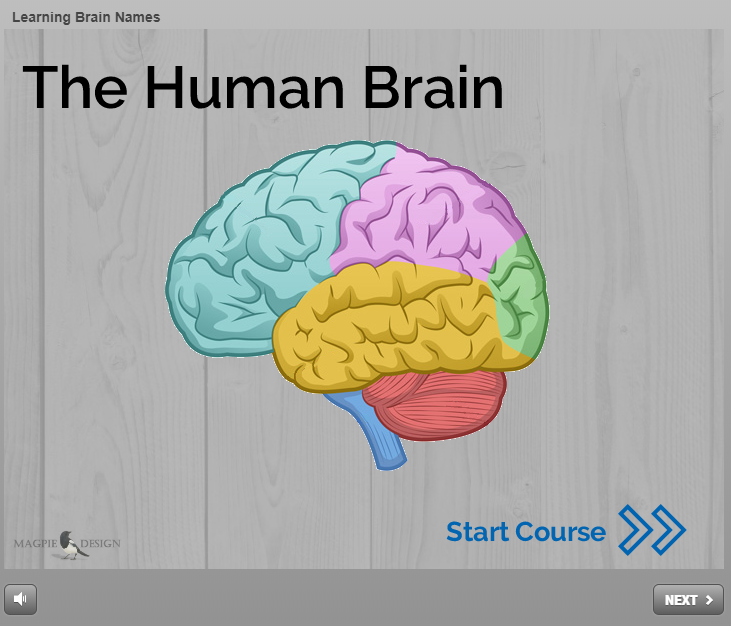
Designed and developed by Ken Fenimore. This fun and interactive learning module was created to “gamify” the act of studying the anatomy and function of each section of the human brain.
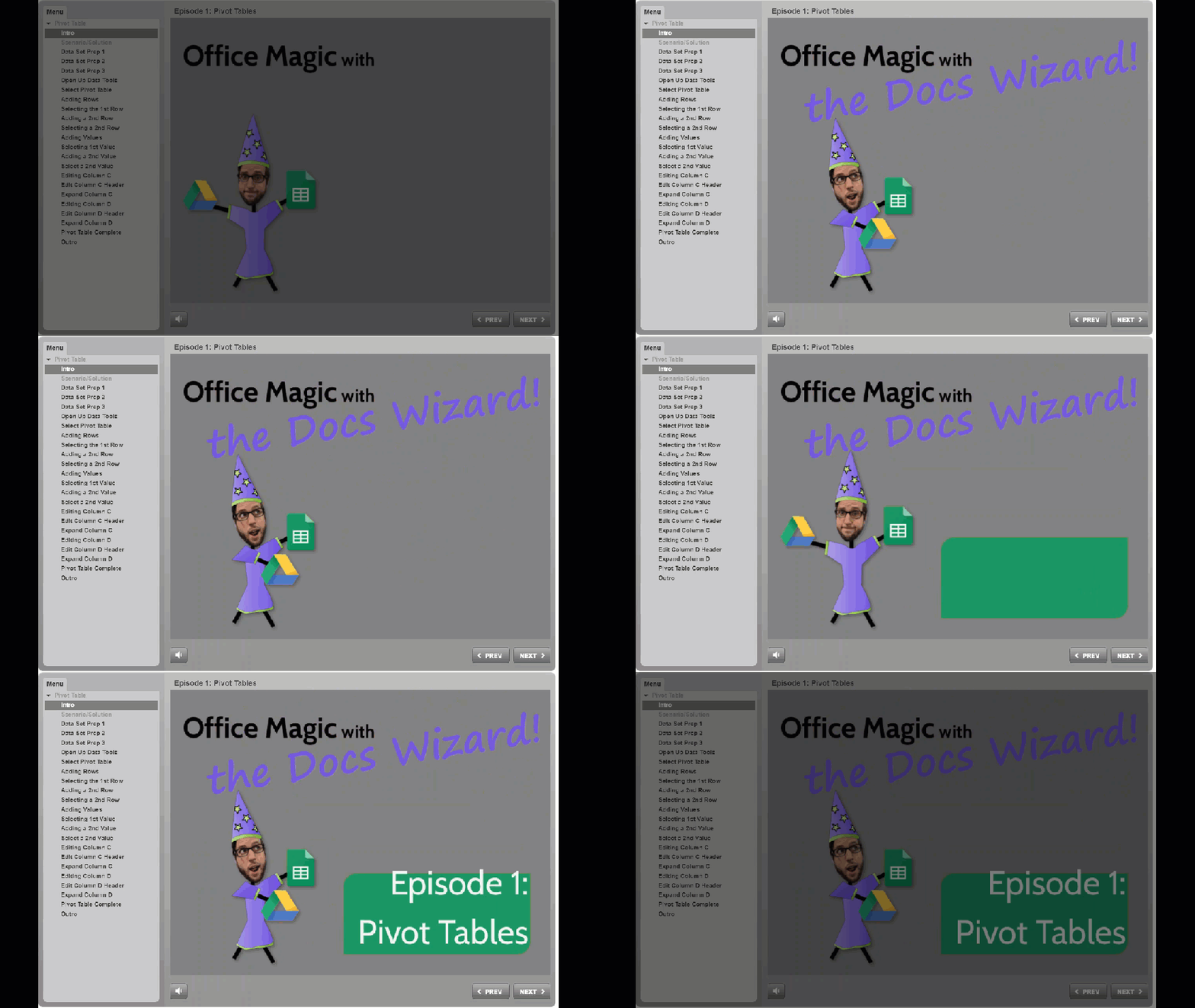
Designed and developed by Ken Fenimore. Pivot tables are awesome but not everyone knows it! This episode of “Office Magic” walks spreadsheet novices through each step of creating their very own pivot table.
Camtasia
Designed, developed, and produced by Ken Fenimore. Motion graphics, animated infographics, and narrated instructional videos are becoming a standard means of knowledge delivery. The following video is a short piece of a larger project for UPenn HR’s Ongoing Feedback eLearning.

Adobe After Effects
Designed, developed, and produced by Ken Fenimore. The following video is a short demonstration of some basic and advanced After Effects elements.
**Click on the video below to access the full-quality version**

Adobe Photoshop & Lightroom
Photos taken and digitally processed by Ken Fenimore. Digital and film photography is a hobby of mine. My photos often provide visual flair to a design or can be used to add texture to a background.


Inkscape & Adobe Illustrator
Images designed and illustrated by Ken Fenimore. Creating custom visual assets can add a personal touch to any digital content or printed materials. Adobe Illustrator and Inkscape (a free, open-source program) are capable of producing Scalable Vector Graphic (svg) image files. The advantage of using an SVG file is that it can be enlarged to any size without becoming pixelated or losing image quality.




 Magpie Design